
 Blog details

Hackers are constantly looking for vulnerabilities to exploit – and even a small security gap can lead to data breaches, financial loss, and damage to your reputation.
In this website security guide, we’ll walk you through how to secure your website from hackers step by step, using simple yet powerful techniques.
Why Website Security Is Important
Many business owners think they are too small to be targeted. This is a dangero us mistake. Hackers often target smaller websites because they have weaker website security. These sites are easier to break into and often lack proper monitoring. Without strong cyber security for websites, small businesses become easy targets.
Without proper cyber security for websites, your business could face:
- Data breaches
- Financial losses
- Website downtime
- Loss of customer trust
That’s why understanding how to protect your website from hackers is critical in 2026.
Step-by-Step Guide to Secure Your Website
Let’s dive into the most effective website protection methods you can implement today.
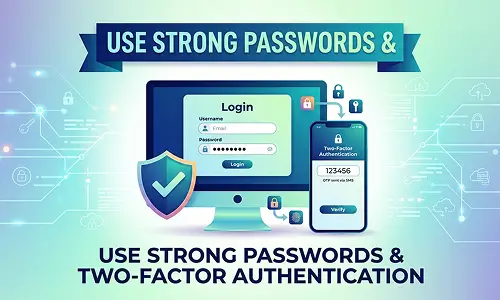
Use Strong Passwords & Multi-Factor Authentication
Weak passwords are one of the easiest entry points for hackers. To improve your website security: - Use complex passwords (minimum 12 characters)
- Avoid common usernames like “admin”
- Enable two-factor authentication (2FA)
These simple actions significantly reduce the risk of website hacking.

Keep Your Website Updated
Outdated software is one of the biggest security risks. Whether your site is built with WordPress, Laravel, or a custom framework, keeping everything updated is essential. Regularly update plugins, themes, and core systems, remove unused tools, and apply security patches as soon as they are released.
Perform Regular Security Audits
You can’t protect what you don’t monitor. Regular audits help identify vulnerabilities, detect malware infections, and track suspicious activity. Using professional security tools or cybersecurity services provides deeper insights and stronger protection.
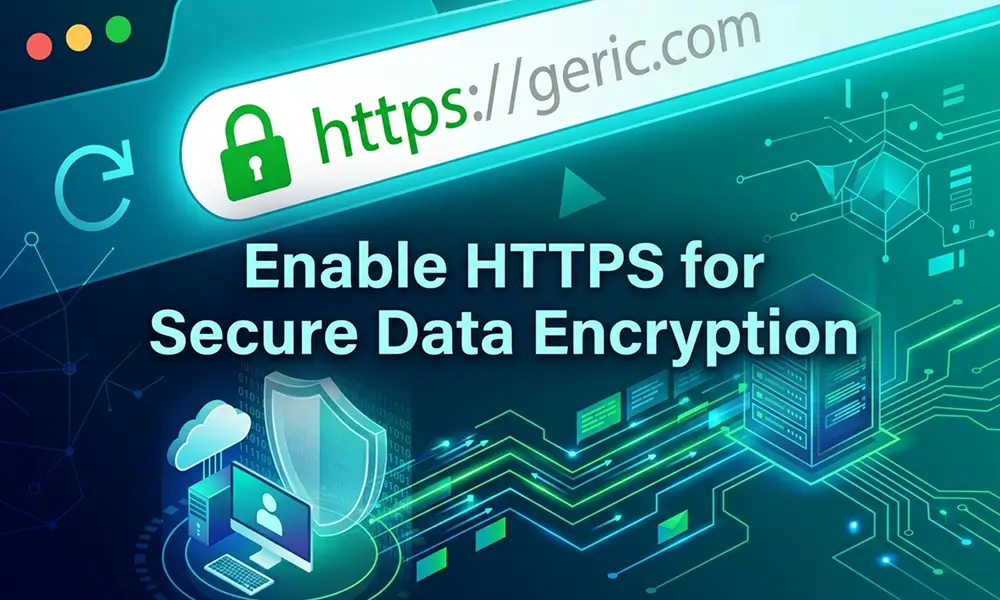
Enable HTTPS with SSL Certificate

The foundation of strong website security starts with HTTPS. An SSL certificate encrypts data between your website and users, protects login credentials and sensitive information, and also improves SEO rankings. Google prioritizes secure websites, making this step essential. If your site still shows “Not Secure,” you should fix it immediately. Backup Your Website Regularly
Even secure websites can be compromised, making backups essential. Schedule automatic backups, store them securely, and test recovery regularly so your business can quickly recover from incidents.
Limit User Access & Permissions
Not every user needs full control. Assign roles carefully, restrict admin access, and remove inactive accounts to reduce security risks and prevent unauthorized changes.
Protect Against Malware & Ransomware
Malware can steal data, damage files, or lock systems. Use trusted security tools, monitor file changes, and perform regular malware scans to protect your website.
Choose Secure Hosting
Your hosting provider plays a major role in security. Choose a provider that offers server-level protection, DDoS mitigation, monitoring, and automatic updates for better reliability and protection.
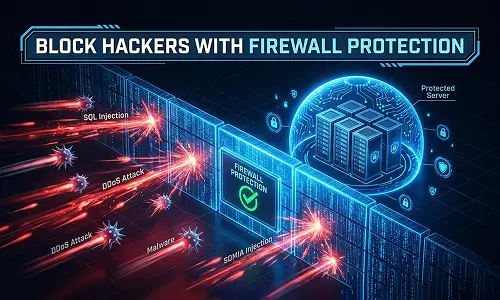
Install a Web Application Firewall (WAF)
A Web Application Firewall acts as a shield between your website and attackers. It helps block threats like SQL injection, cross-site scripting (XSS), and DDoS attacks, making it one of the most effective protection layers.
Follow a Website Security Checklist
A checklist ensures consistency and reduces risk. Key steps include:
- Enable HTTPS
- Use strong passwords
- Keep software updated
- Install a firewall
- Run security scans
- Maintain backups
- Restrict user access
- Monitor activity regularly
How iSky9 Helps Secure Your Website
At iSky9, we understand that every business has unique security needs. Our cyber security services include:
- Website vulnerability assessments
- Malware detection and removal
- Firewall implementation
- Security audits and monitoring
- Data protection strategies
Our approach is designed to give businesses peace of mind and allow them to focus on growth without worrying about cyber risks. We focus on delivering real results – not just promises.
Ready to Secure Your Website?
If you want to take your website security to the next level, professional support can make all the difference.
Contact iSky9 today and explore expert cyber security services for small businesses designed to keep your website safe, secure, and future-ready.