
 Blog details

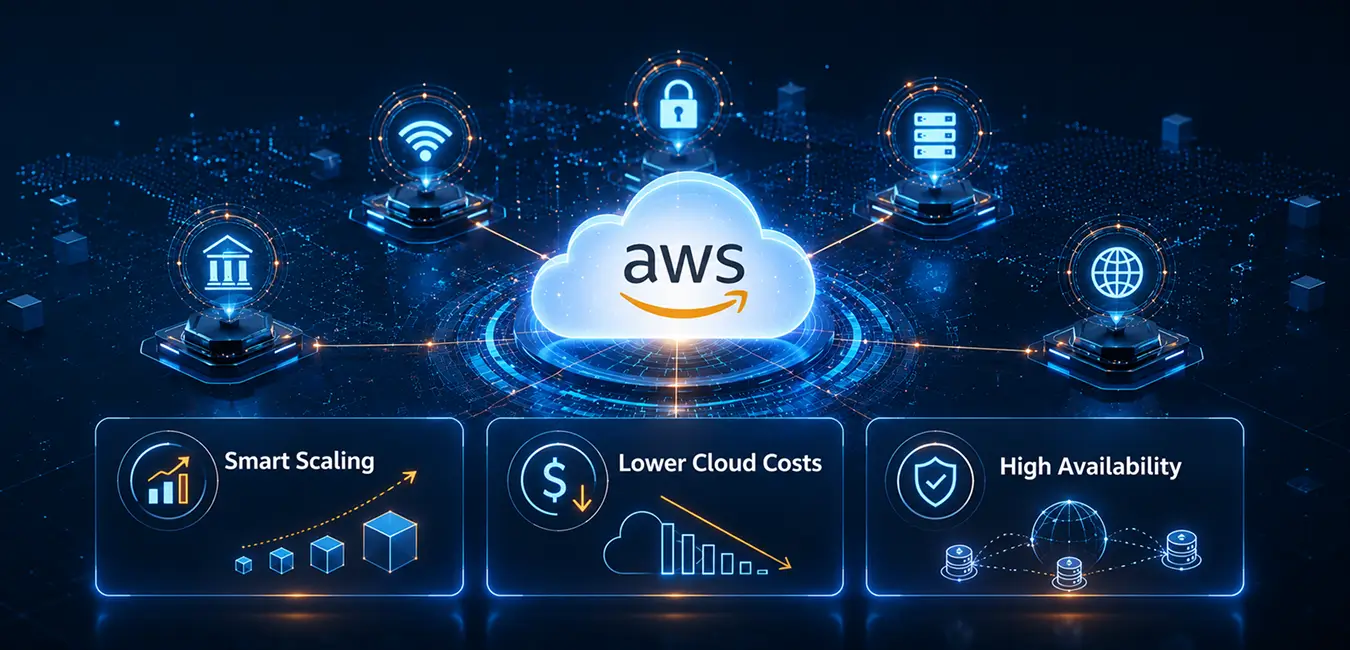
In today’s digital-first world, businesses need cloud infrastructure that can adapt instantly to changing customer demands. Whether it’s an eCommerce store handling seasonal sales, a SaaS platform onboarding new users, or a financial application processing thousands of transactions every minute, maintaining performance while controlling cloud costs is a constant challenge.
One of the most effective ways to achieve this balance is through AWS Auto Scaling.
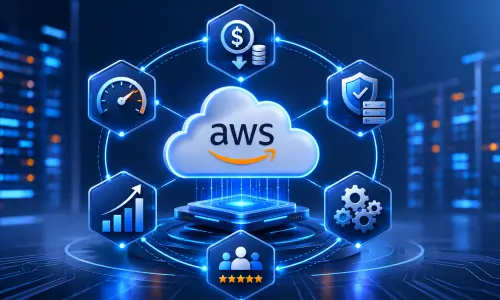
AWS Auto Scaling automatically adjusts your cloud resources based on real-time demand, ensuring your applications always have the right amount of computing power – without paying for unnecessary infrastructure. This intelligent approach improves performance, enhances availability, and helps businesses optimize cloud spending.
At iSky9, we help organizations design, deploy, and manage scalable AWS environments through our AWS Cloud Services. In this guide, we’ll explore how AWS Auto Scaling works, why it matters, and how it can transform your cloud infrastructure.
What Is AWS Auto Scaling?
AWS Auto Scaling is a service provided by Amazon Web Services (AWS) that automatically increases or decreases cloud resources based on application demand.
Instead of manually adding or removing servers, AWS continuously monitors your workloads and adjusts resources using predefined scaling policies. This ensures applications remain responsive during traffic spikes while reducing infrastructure when demand decreases.
AWS Auto Scaling supports a variety of AWS services, including:
- Amazon EC2
- Amazon ECS
- Amazon DynamoDB
- Amazon Aurora
- AWS Lambda Provisioned Concurrency
- Amazon SageMaker endpoints
- Spot Fleets
By automating resource management, businesses can reduce operational complexity while improving application reliability.
Why Cloud Cost Optimization Matters
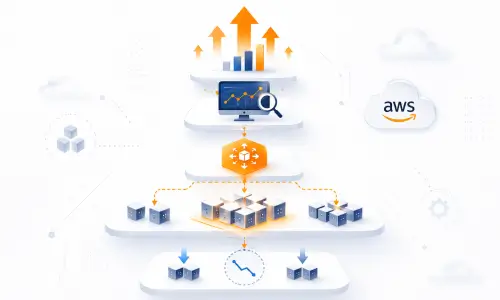
Many organizations either over-provision or under-provision their cloud infrastructure.
Over-provisioning means running more servers than necessary, leading to higher monthly cloud bills and wasted resources.
Under-provisioning, on the other hand, results in slow applications, downtime, failed customer requests, and lost business opportunities.
Businesses migrating to AWS can significantly reduce unnecessary cloud spending by implementing intelligent scaling strategies alongside professional Cloud Migration Services.
AWS Auto Scaling eliminates both challenges by ensuring your infrastructure dynamically matches real-time demand.
How AWS Auto Scaling Works
AWS Auto Scaling continuously monitors your application’s performance using Amazon CloudWatch metrics.
When demand increases, the service automatically launches additional resources to handle incoming traffic. Once traffic decreases, unnecessary resources are removed to prevent overspending.
A typical Auto Scaling process looks like this:
- Users access your application.
- Amazon CloudWatch monitors metrics such as CPU utilization, memory usage, or request count.
- Auto Scaling policies determine when additional capacity is required.
- New EC2 instances are launched automatically.
- Elastic Load Balancer distributes traffic evenly across healthy instances.
- As traffic declines, unused instances are terminated.
This automation allows businesses to maintain consistent performance without requiring manual intervention from IT teams.
Key Benefits of AWS Auto Scaling
- Reduce Cloud Costs
One of the biggest advantages of AWS Auto Scaling is cost optimization.Instead of paying for idle servers 24/7, businesses only use computing resources when they are actually needed. During low-traffic periods, unnecessary infrastructure is automatically removed, helping reduce monthly AWS expenses.For organizations looking to maximize their cloud investment, Auto Scaling provides a smarter way to manage infrastructure costs. Improve Application Performance
Slow applications can frustrate users and lead to lost revenue. AWS Auto Scaling ensures your applications always have sufficient resources to handle increased demand, reducing latency and improving response times. Whether you’re launching a new product or experiencing viral traffic, your applications remain fast and responsive.
Increase Availability and Reliability
Application downtime affects customer trust and business continuity. Auto Scaling continuously monitors the health of your infrastructure and automatically replaces unhealthy instances when required. Combined with multiple AWS Availability Zones, this helps maintain high availability even during unexpected failures.
Support Business Growth
As your business grows, your cloud infrastructure should grow with it. AWS Auto Scaling allows organizations to expand without manually provisioning servers every time demand increases. This flexibility makes it ideal for startups, growing enterprises, and organizations expanding into new markets.
Automate Infrastructure Management
Manual infrastructure management consumes valuable engineering time. AWS Auto Scaling automates repetitive tasks such as provisioning, monitoring, and capacity adjustments, allowing IT teams to focus on innovation instead of routine maintenance.
Industries That Benefit from AWS Auto Scaling
AWS Auto Scaling is valuable across almost every industry.
eCommerce
Handle seasonal shopping events, flash sales, and promotional campaigns without website slowdowns or downtime.
SaaS Platforms
Automatically scale applications as new customers join your platform while maintaining consistent user experiences.
Finacial Services
Support secure payment processing and digital banking applications during periods of increased transaction volume.
Healthcare
Maintain reliable access to patient portals, healthcare applications, and telemedicine platforms.
Media and Entertainment
Deliver uninterrupted streaming experiences during live events and high-traffic broadcasts.
Best Practices for AWS Auto Scaling
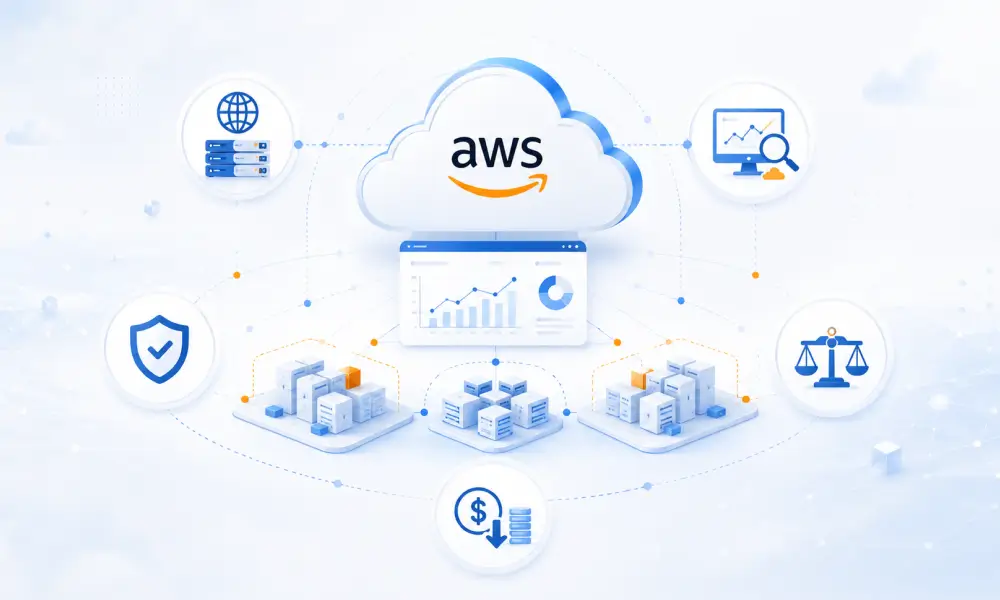
Auto Scaling works even better when combined with Managed Cloud Services, continuous monitoring, and proactive infrastructure optimization.
- Configure Auto Scaling across multiple Availability Zones.
- Use Amazon CloudWatch to monitor key application metrics.
- Combine Auto Scaling with Elastic Load Balancing.
- Regularly review scaling policies based on application behavior.
- Set minimum and maximum capacity limits.
- Use predictive or target tracking scaling policies where appropriate.
- Continuously monitor AWS costs and optimize resource usage.
Following these practices helps create a resilient, secure, and cost-efficient cloud environment.
Common Mistakes to Avoid
Although AWS Auto Scaling is powerful, incorrect configurations can reduce its effectiveness.
Avoid these common mistakes:
- Using only CPU utilization as a scaling metric.
- Ignoring application-specific performance indicators.
- Setting scaling thresholds too high or too low.
- Running workloads in a single Availability Zone.
- Failing to perform regular infrastructure reviews.
- Overlooking cloud cost monitoring after deployment.
Regular optimization ensures your Auto Scaling strategy continues delivering value as your business evolves.
How iSky9 Helps Businesses Optimize AWS Infrastructure
Successfully implementing AWS Auto Scaling requires more than simply enabling the feature. It requires careful planning, architecture design, security considerations, monitoring, and ongoing optimization.
At iSky9, we help businesses build cloud environments that are scalable, secure, and optimized for long-term growth.
Our AWS services include:
- AWS Cloud Consulting
- Cloud Migration
- AWS Infrastructure Design
- Auto Scaling Configuration
- Kubernetes Deployment
- Managed Cloud Services
- Cloud Security Solutions
- Cloud Cost Optimization
- Disaster Recovery Planning
- 24/7 Monitoring and Support
Whether you’re migrating to AWS for the first time or optimizing an existing cloud environment, our team ensures your infrastructure is designed to deliver maximum performance with controlled costs.
Conclusion
As businesses continue to embrace cloud-first strategies, scalability and cost efficiency have become essential – not optional.
At iSky9, we combine deep cloud expertise with industry best practices to help businesses build secure, resilient, and high-performing AWS environments. From cloud migration and infrastructure optimization to managed AWS services and ongoing support, we’re committed to helping you unlock the full potential of the cloud.
Looking to optimize your AWS infrastructure? Contact iSky9 today and discover how our cloud experts can help your business scale smarter, perform better, and reduce cloud costs.